
TouchDRO 3.24 Release Notes
TouchDRO 3.24 is the release that made TouchDRO Plus available. With a TDA adapter connected, TouchDRO activates Plus on its own. The same release added a faster adapter protocol, and 3.24.06 added the "Adapter Details" dialog and automatic touch-off. This page covers 3.24.04 from April 2024 and 3.24.06 from June 2024.
TouchDRO Plus
An activation license is built into every TDA adapter, and TouchDRO detects it the first time you connect. See "TouchDRO Plus" for what it includes today. In 3.24.04, Plus added the following.
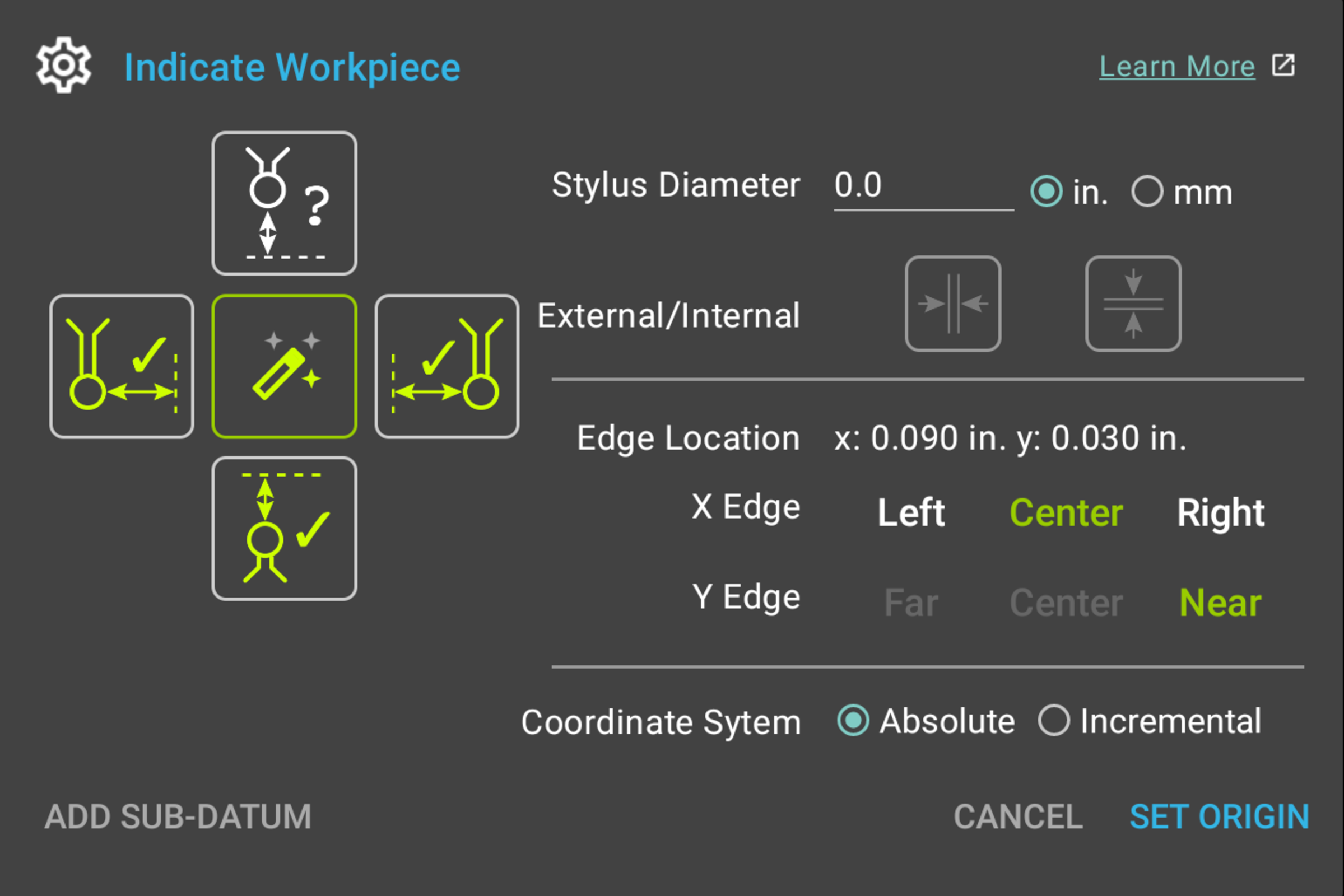
In the "Indicate Workpiece" dialog, the new "Auto" button (the "magic wand") works out which edge the probe touched from the direction the axis was moving, and selects that edge for you. The new "Add Sub-Datum" button saves the feature you just located into sub-datum memory from the same dialog, and a long press keeps the captured edges for the next feature. See "Auto Button" and "Add Sub-Datum Button".
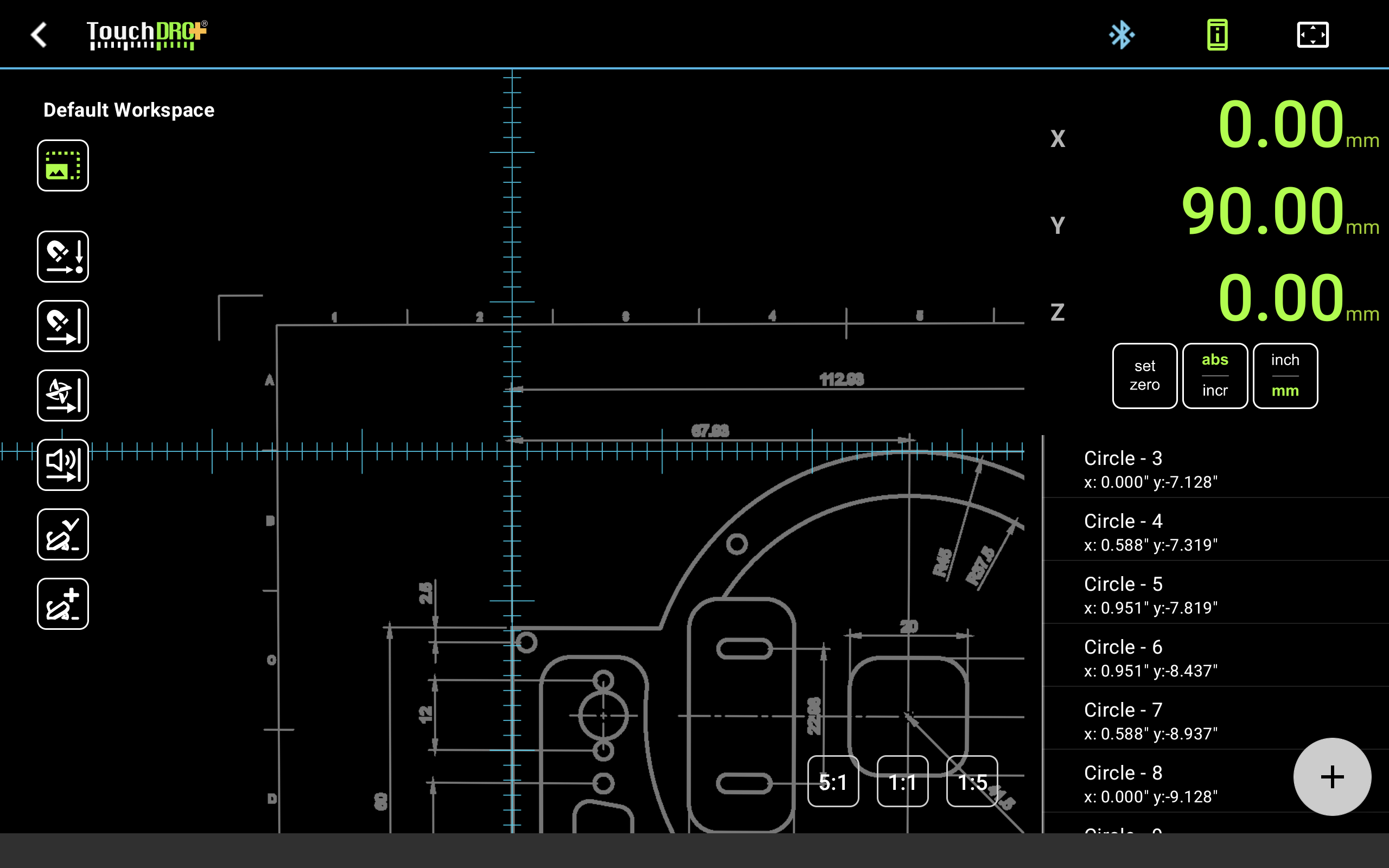
A photo or a drawing of the part can be placed behind the graphical view as a reference image, aligned to machine coordinates with a few reference points, so you can see the part under the crosshairs. See "Reference Image Overlay".
TouchDRO now activates a guide line on its own as the spindle approaches it, sounds the warning, and sets the cutter compensation direction to match. With the guides placed, you can cut a pocket or a slot while TouchDRO switches between them for you. See "Automatic Proximity Warning".
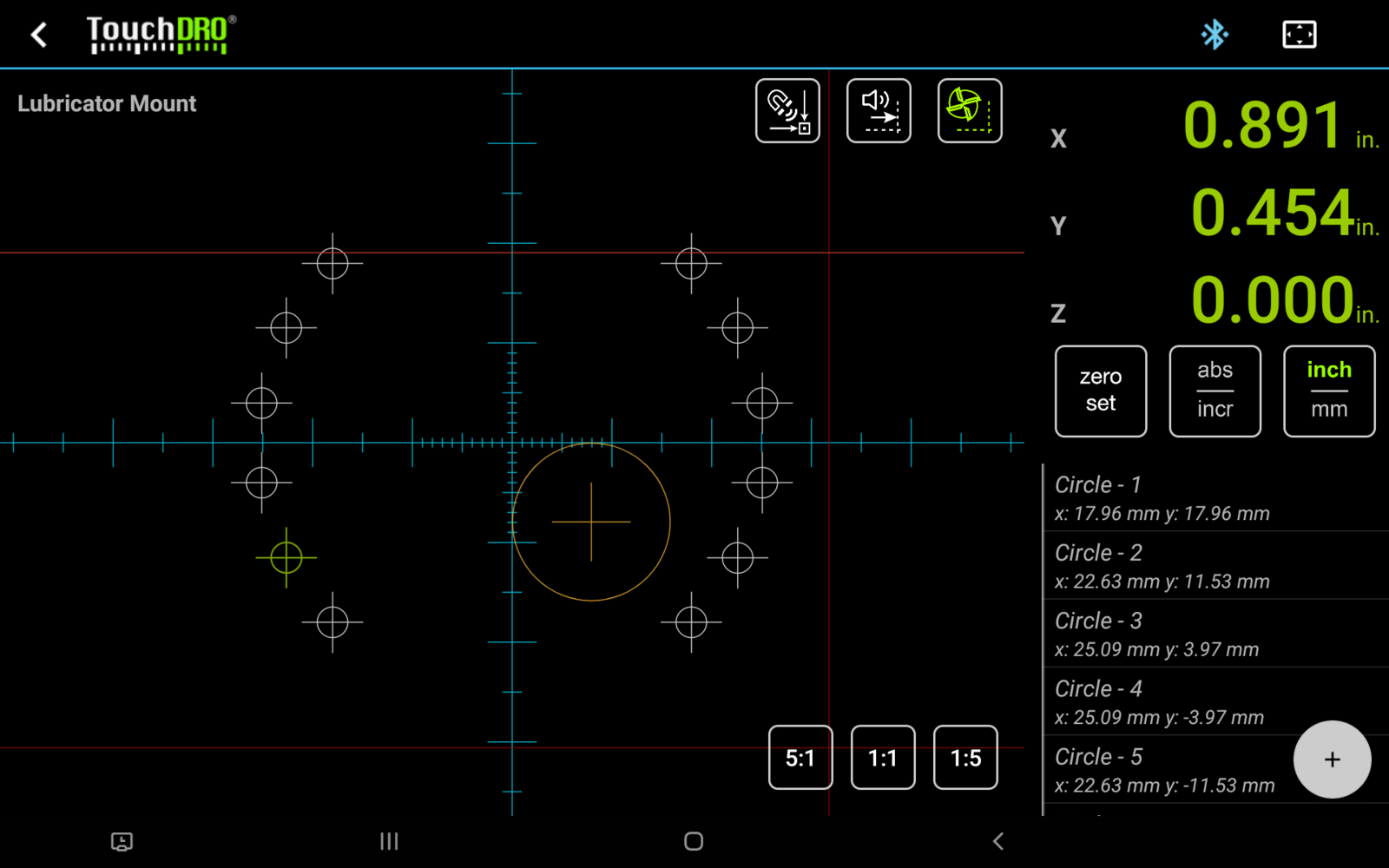
Sub-datums can be imported from and exported to a CSV file, the advanced sub-datum menu is available, and you can step to the next or the previous sub-datum from the main screen. The tool library can be exported and imported the same way, to back up saved tool offsets or move them to another tablet. See "Sub-Datum Import and Export" and "Importing and Exporting Tools".
On a mill, TouchDRO can watch the quill. When you drill a hole and the quill comes back up, TouchDRO either zeroes X and Y at that spot or saves the hole's position as a sub-datum, depending on whether you turned on automatic zero or automatic sub-datum. See "Graphical View Display".
Also in 3.24.04
The application and the adapter now communicate over a new protocol. On an adapter running the V3 firmware, TouchDRO receives position updates with less delay, so the readout follows the handwheel more closely.
The touch probe functions and the handling of sub-datums and guide lines were improved.
TouchDRO 3.24.06
The new "Adapter Details" dialog shows what the connected TDA or TDK adapter is and how it is set up: the model, the firmware version, and the settings for each input. This is where you tell the adapter which kind of scale is wired to each input. See "Adapter Details Dialog".
The "Set Z Reference" function gains an "Auto" mode. With an electronic tool height setter, TouchDRO watches the probe input and takes the reading the moment the tool makes contact. See "Automatic Touch-Off".